every tool, one page away.
every reel, broken down: the command, the plain-english explanation, and how to defend. dual-use tools get the concept and the defense, never a download.
shows how to find browser extensions that can read every page you visit by grepping their manifest f
this checks your android's security patch date and walks you through reviewing installed apps, their
this shows your bitlocker recovery password so you can save it before something like a bios update l

gives the exact steps to set up a fast, themed, syntax highlighted terminal with zsh and starship.
this follows a link's redirects, checks domain age with whois, and resolves hosting with dig, all be
this reveals which DNS resolver actually answered your query, exposing whether your ISP is seeing yo
this compares the character length of a short complex password against a long passphrase to show whi

You emptied the recycle bin.

Every password you save in Chrome can be dumped in plaintext with one command, on your own machine.

You think you know what's connected to your home wifi.
this command lists which services took the longest to start during boot, ranked slowest first.
teases five terminal tricks that reveal hidden system info without naming them.
this shows the latest snapshot in a restic backup repository stored on backblaze b2.

You browse in incognito thinking it's private.
this shows how to enable lockdown mode on mac, which blocks most message attachments, link previews,

Lose an encrypted USB stick, and a thief gets absolutely nothing.
this pulls your public ip's city and isp/org info straight from the terminal to show what sites can

Give a stranger one photo, and even with no GPS data, they can often find your neighborhood.

runs a dns server that refuses to resolve ad and tracker domains so they never load on any device wi
this wraps a cloud remote in an rclone crypt layer so file names and contents are encrypted before t
installs a free outbound firewall that alerts you every time an app tries to connect to the internet
spins up a self-hosted git server you fully control, with registration disabled and access locked to
this runs paperless-ngx in docker so scanned documents dropped into a consume folder get ocr'd, date
this spins up Immich, a self-hosted Google Photos alternative, on your own hardware for phone backup
this shows how to self host Syncthing in Docker to sync files directly between your own devices, enc

That box your internet provider gave you?

Don't throw out that old laptop in your drawer.

This login page looks real.

shows how to run vaultwarden in docker so your password vault lives on your own hardware instead of
this explains that a windows hello pin, biometric, or passkey is tied to one device and cannot be ph
this shows how to securely erase an hdd or ssd before selling or disposing of a drive, using shred f
this checks which drive your time machine backups are going to, then diskutil info reveals if fileva

Your laptop keeps a list of every wifi network it has ever joined, the coffee shop, the airport, the
this command quickly shows which linux distribution you're running by reading the os-release file

There's a good chance your password is already for sale online.

Your computer remembers every wifi password you've ever typed, in plaintext, one command away.

Every photo you post might be telling strangers exactly where you live.
this command queries an ip info service and prints your public ip's city, region, and hosting org.

Your smart TV is sending data out constantly, even when you're not watching.

chains sha256sum, mmls, fls, icat, exiftool, volatility, and strings to start a disk and memory inve

shows how to statically analyze an office macro to reveal an autoopen downloader and decode its base

parses the windows amcache hive with amcacheparser to recover the name, hash, and first-seen time of

uses autoruns to list every persistence point on a system then filters out microsoft signed entries

shows how to use fls and mactime to turn disk artifacts into a readable, court grade incident timeli

shows how capa statically analyzes a suspicious binary and maps its capabilities to mitre attack tec

it explains how to spot data theft through large outbound transfers, dns tunneling, and cloud upload
this shows the first five docker commands to run when a container is compromised, in order to inspec
this command counts how many failed ssh password attempts are recorded in your linux auth log

shows how to hunt every linux cron location, including per user crontabs and dot file jobs, for hidd

it shows how the master file table keeps deleted file records and timestamp mismatches that reveal w

it shows how attackers hide stolen data in dns txt queries and how to spot the abnormal volume of lo
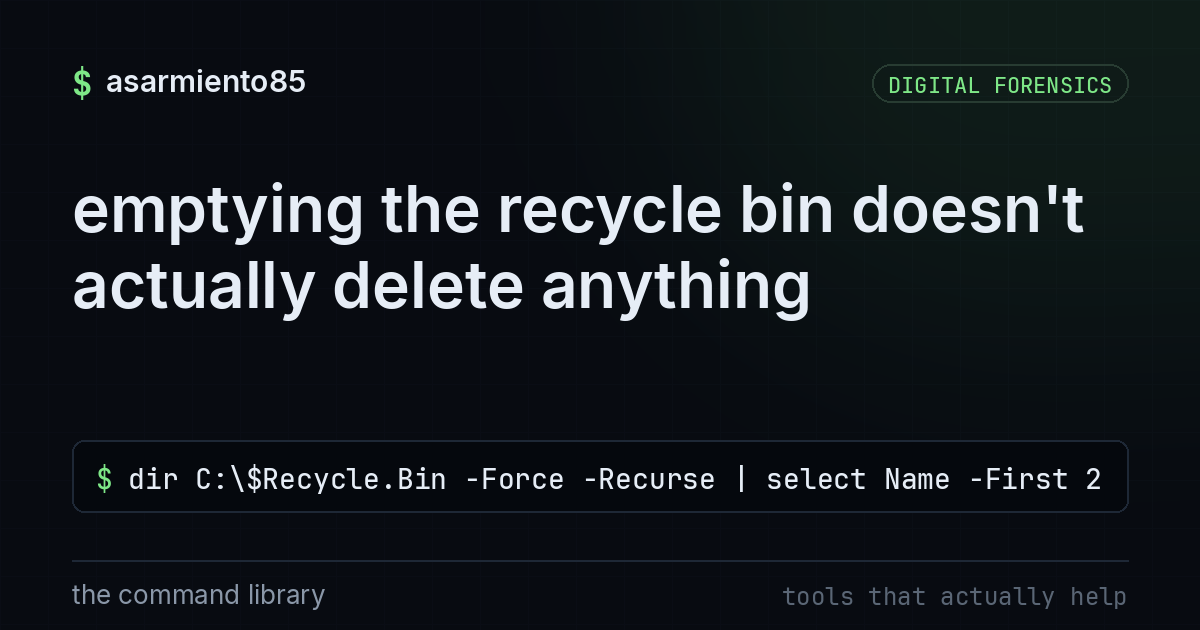
this command lists the hidden contents still sitting inside windows' recycle bin folder even after y
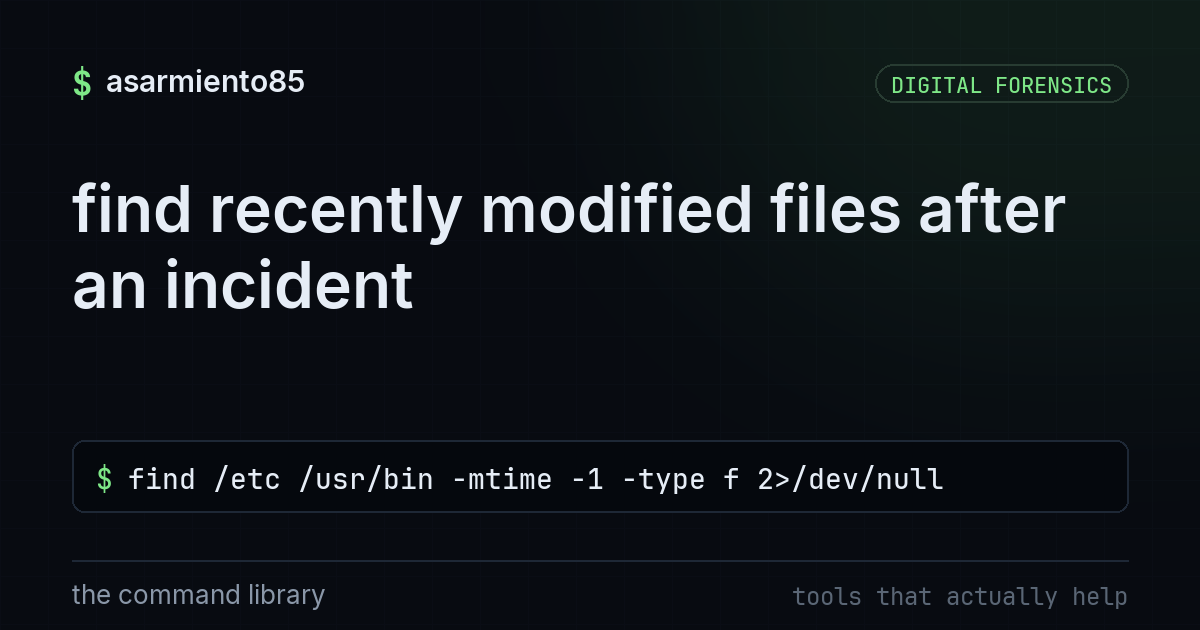
this lists files in /etc and /usr/bin that were modified in the last day

this uses volatility's malfind to spot injected code in a memory dump by flagging private, writable,

it explains how event ids for failed logons, process creation, new accounts, and cleared logs reveal

checks live connections, recent logins, and attacker traffic first so you understand the intrusion b

covers the windows and linux spots attackers plant persistence and how comparing to a known good bas

shows how attackers hide persistence in systemd services and how to spot and inspect a malicious one
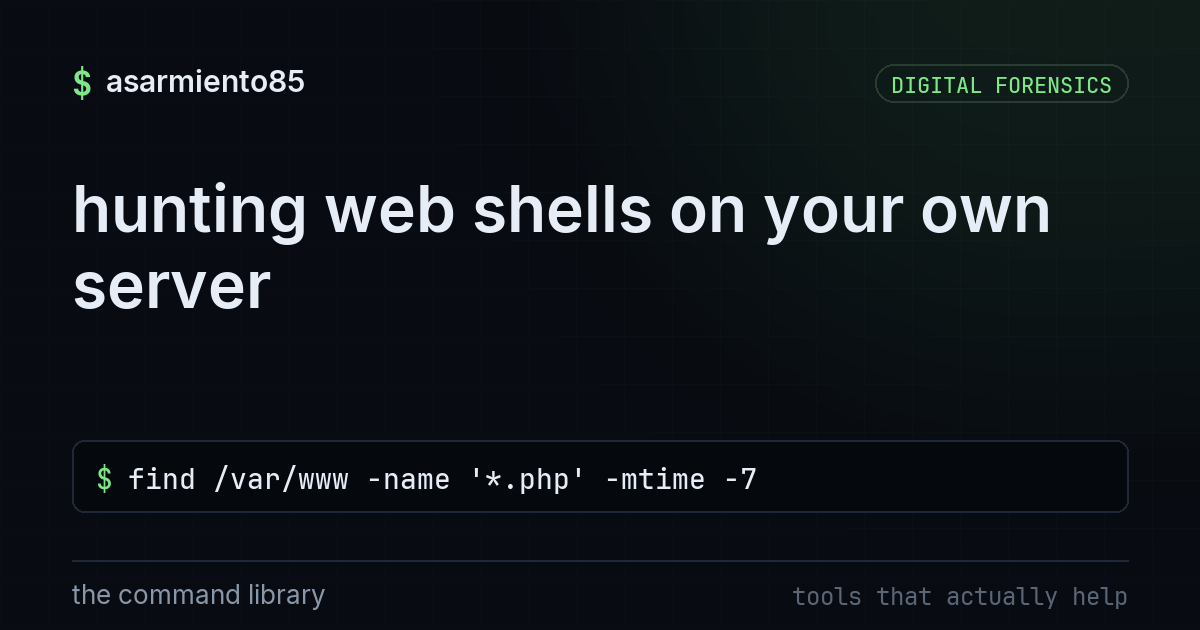
this shows how to spot recently modified php files, uploads-folder scripts, and suspicious eval or b

it parses windows jump list files to tie a program to the exact files, shares, and usb drives it ope

walks through checking linux auth logs for failed then successful logins, new users, sudo abuse, and

it walks through checking processes, sockets, deleted binaries, logins, and persistence on a live li
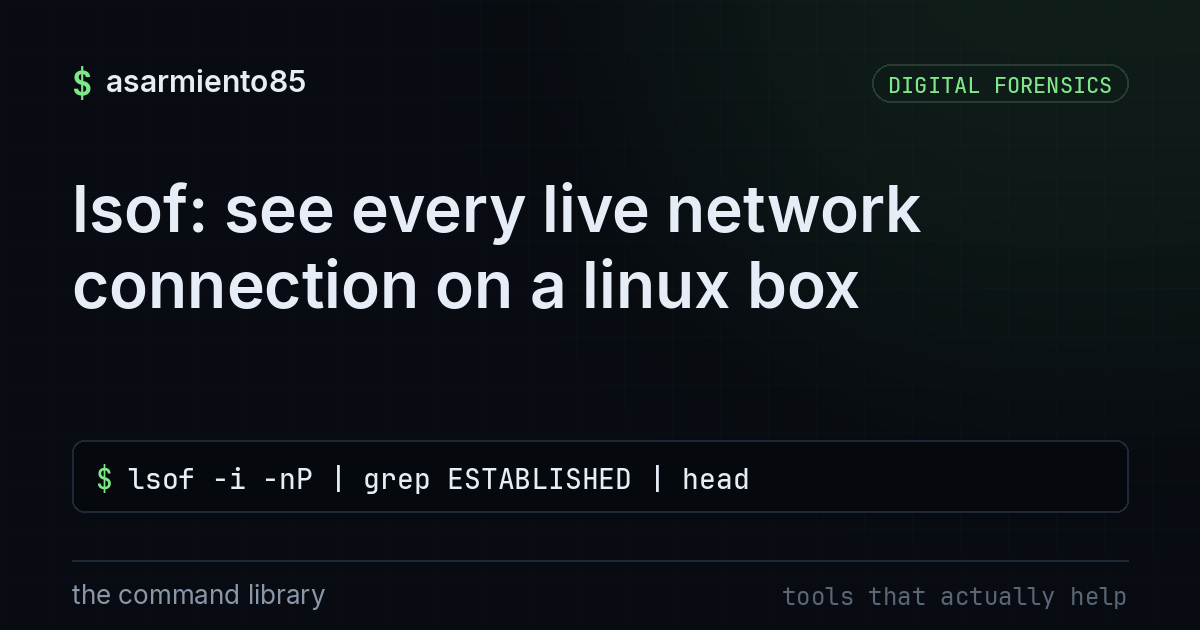
this lists all currently open files and, with the -i flag, every established network connection on t

uses volatility 3 modules like pslist, netscan, malfind, and cmdline to find hidden processes, conne

shows how osquery finds processes running from deleted binaries, a classic self delete trick, across

it explains how to trace received headers, check spf dkim dmarc, and safely detonate urls and attach

reads the psreadline history file to reveal every powershell command a user typed, including downloa

this shows how parsing a windows prefetch file reveals run count, last run time, and the folder an e

it explains why you should isolate the host, find patient zero, and capture memory before rebooting

shows checking email headers, spf, dkim, dmarc, and domain age to spot a spoofed phishing email.

explains how browser history, cache, cookies and sqlite files can be used to reconstruct a user's se
the last command shows a history of user logins, including who logged in, from where, and when.
this counts how many commands are stored in plaintext inside your bash history file

parses windows shellbags to show folder paths and timestamps that survive even after the drive or us

it explains how shimcache records paths and timestamps of executables windows has seen, which is use

shows how to find a planted suid root binary by listing suid files newer than the original system in

it parses the srum database to reveal which process sent the most bytes without needing a packet cap
this scans a binary for readable text strings at least 8 characters long and filters for urls, keys,

parses the ntfs usn journal to reveal file creations, renames, and deletions an attacker tried to hi

uses tshark to spot top talkers, dga beacons, suspicious user agents, and stream contents inside a p

shows how usbstor, setupapi.dev.log, and portable devices registry keys corroborate that a specific

it walks through hashing, string extraction, and file type checks before ever detonating a suspiciou
this shows how to spot suspicious ip's, 404 scanning patterns, and injection attempts in web server

queries the userassist registry key to reveal every gui launched program with its run count and last

queries endpoints like a database and dispatches a hunt to scope an entire breach across all machine

Windows keeps a running list of the files you've recently opened, sorted by type, in a registry key
this command lists the AutomaticDestinations folder where windows stores jump list files tied to rec
counts the .pf files in the windows prefetch folder, which windows creates to help apps launch faste

lists key windows registry locations like run keys, usbstor, shimcache and recentdocs used to recons
this command pulls the make, model, and serial number of every usb storage device windows has ever s

shows how reading linux login success and failure logs together can reveal a brute force attack that

explains how to write a yara rule with strings and conditions to scan a file or directory for known

macOS keeps a unified log of almost everything that happens on your machine, including every single

runs a recon sequence with nmap, whatweb and searchsploit to map live hosts, services and known issu

shows how trusting a jwt's own header let an attacker forge admin rights, and how pinning the algori

shows how unparameterized queries allow sql injection and how parameterized queries fix it.

shows how arp has no authentication so an attacker can spoof both sides of a connection to intercept

collects active directory users, groups, and permissions to reveal attack paths to domain admins.

sets up an isolated virtualbox lab with kali linux and a vulnerable target so you can practice attac

it shows how to use burp's proxy, repeater, intruder, and scanner to find logic flaws and injection

demonstrates mask and hybrid hashcat attacks that target predictable human password patterns instead
checks which groups your user belongs to, including whether you're in the docker group

shows how a domain admin credential lets an attacker pull every hash including krbtgt from a domain

uses nmap, enum4linux, gobuster, and nikto to enumerate a target and reveal the foothold before expl

shows using evil-winrm with valid windows credentials to get an interactive shell over winrm.

it demonstrates how a publicly reachable .env file leaks credentials and how to verify and lock it d

shows how an exposed git folder on a web server lets anyone rebuild the full source and commit histo

shows using ffuf to discover hidden directories, backup folders, and apis on a target site.
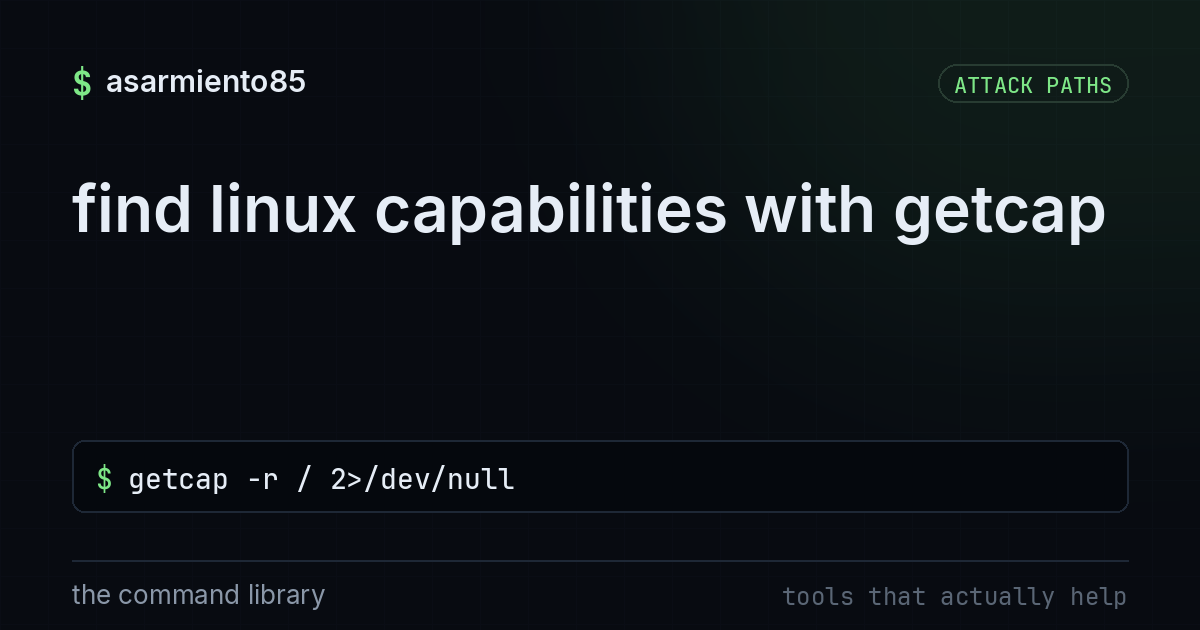
this scans the filesystem for files that have linux capabilities assigned instead of full root permi
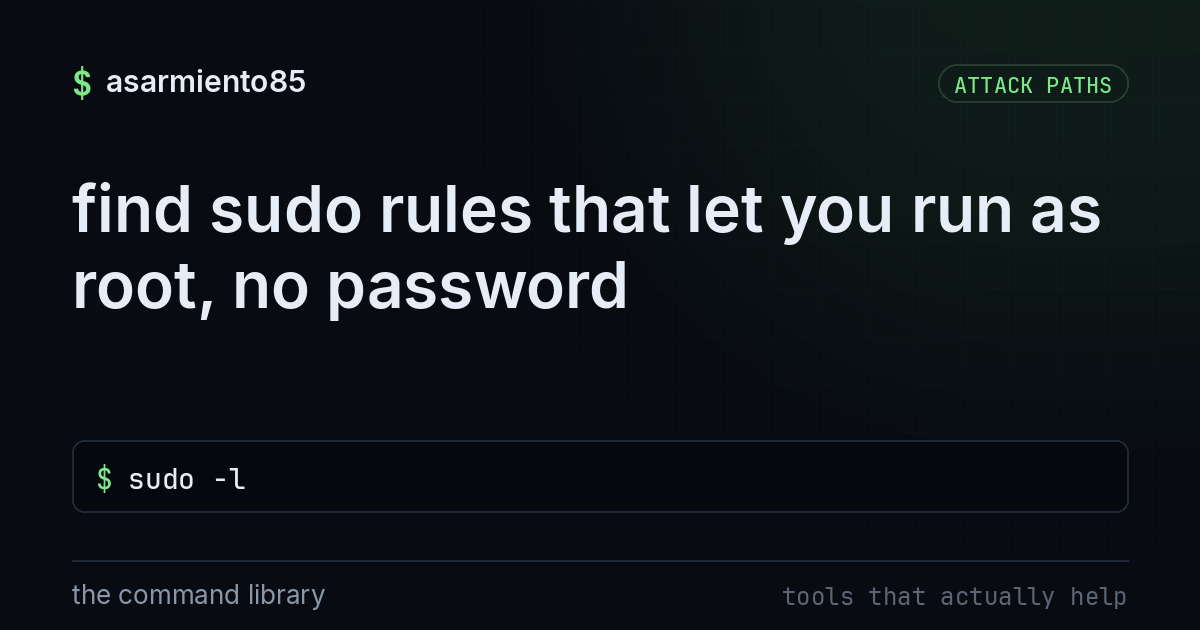
lists the commands your account is allowed to run with sudo, including any that need no password

this shows how a misconfigured sudo permission on a normal binary like tar can be abused to spawn a

walks through monitor mode, handshake capture, and offline wordlist attacks to show why a long rando

shows how insecure direct object references leak data and how scoping the query to the logged in use

One forgotten open port is often the whole game.

Watch a normal user become root.
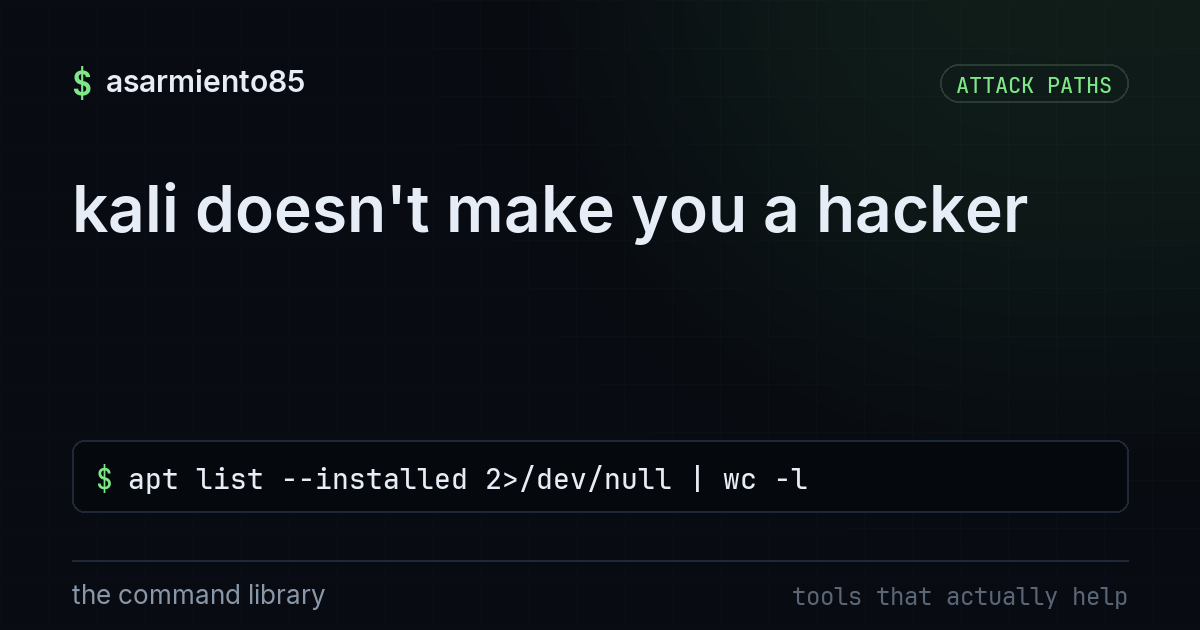
this counts how many packages are installed on your linux system.

requests a kerberos service ticket for a service account and cracks the hash offline to potentially

uses kerbrute to enumerate valid active directory accounts and spray passwords without tripping fail

recommends seclists, cewl, and crunch as better password wordlist sources than relying on rockyou al

this runs linpeas to color-code privilege escalation paths and shows using a flagged sudo rule to ge

it walks through checking sudo rights, suid binaries, and writable cron jobs to escalate from a low

shows how sending an extra role field the form never had let an attacker escalate to admin through m
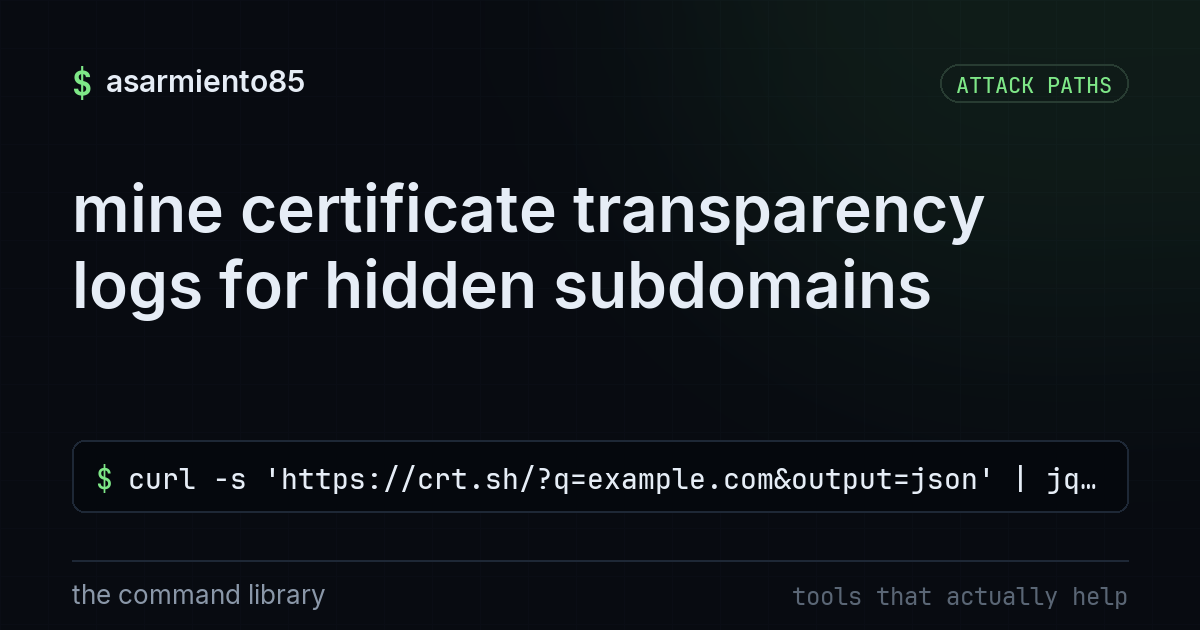
this pulls every publicly logged ssl certificate for a domain and lists the unique hostnames found i

this breaks down nmap's syn, connect, udp, version, and script scan modes and when to use each.

it demonstrates how unescaped user input causes xss and how templating plus a content security polic

it compares hydra, hashcat, john, and password spraying to explain when each password attack techniq

explains the difference between passive recon tools like whois, dns, and theharvester versus active

shows how an unsanitized file path lets an attacker read arbitrary files and how resolving and check

explains using ssh dynamic tunnels, proxychains, and chisel or ligolo to pivot tools like nmap and m
checks the permissions on a cron job file to see if it's writable by a low privileged user

shows how pspy watches running processes without root to reveal a writable root cron job you can exp

shows how responder answers LLMNR/NBT-NS broadcasts to capture an NTLMv2 hash that can then be crack

it explains why a reverse shell that makes the victim connect outbound gets past firewalls that bloc

Password strength isn't a vibe, it's math: the character set raised to the length.

breaks down three classic web vulnerabilities that all stem from trusting unvalidated user input

shows how an unrestricted url fetch lets an attacker steal aws credentials from cloud metadata and h

this shows using certipy to find and abuse a vulnerable ad cs template, esc1, to request a certifica

this walks through picking a metasploit module, setting a payload, and catching a reverse shell sess

this walks through how bloodhound mapping plus kerberoasting a weak service account leads to full do

it walks through the recon, escalate, persist, pivot, loot cycle attackers use after gaining initial

shows how trusting a filename and extension during file upload let an attacker run commands as www-d

This is how a wifi password actually gets cracked.

it explains how subdomains, breach databases, employee names, and document metadata give attackers e

shows wifite automatically scanning, capturing, and cracking wifi networks in one command.
shows the last root cron job, which often reveals a tar command using a wildcard.

shows using winPEAS to find windows misconfigurations like unquoted service paths to escalate to sys
turns on bitlocker, controlled folder access, firewall, and removes smbv1 on windows 11

sets up a fake service with opencanary on an unused port so attackers reveal themselves with zero fa

it confines a linux program to only the files and capabilities it needs so an exploit can't spread b
this scans your project's dependencies for known vulnerabilities, ranks them by severity, and can au

sets up linux auditd rules to watch sensitive files and log command execution before an incident hap

it shows how a simple caddyfile config automatically fetches and renews a let's encrypt cert while r

it shows how dnstwist finds registered lookalike domains of your own so you can spot phishing setups
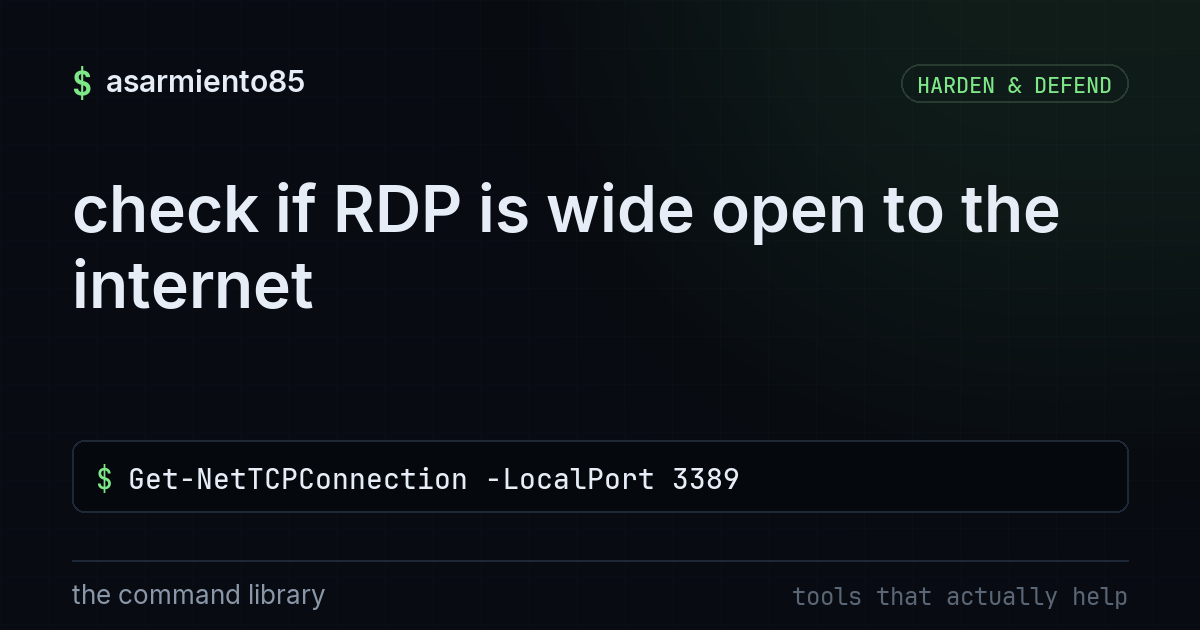
this checks the registry, local port, and public ip to see if remote desktop is listening and reacha
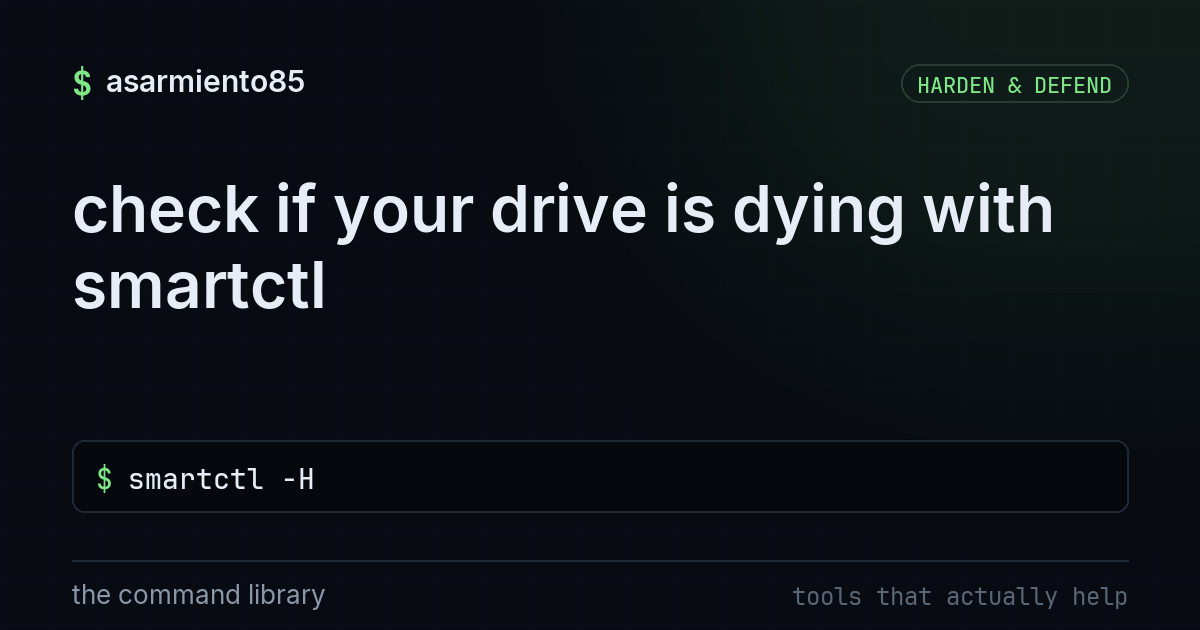
this checks your drive's SMART health status and key failure indicators like reallocated, pending, a
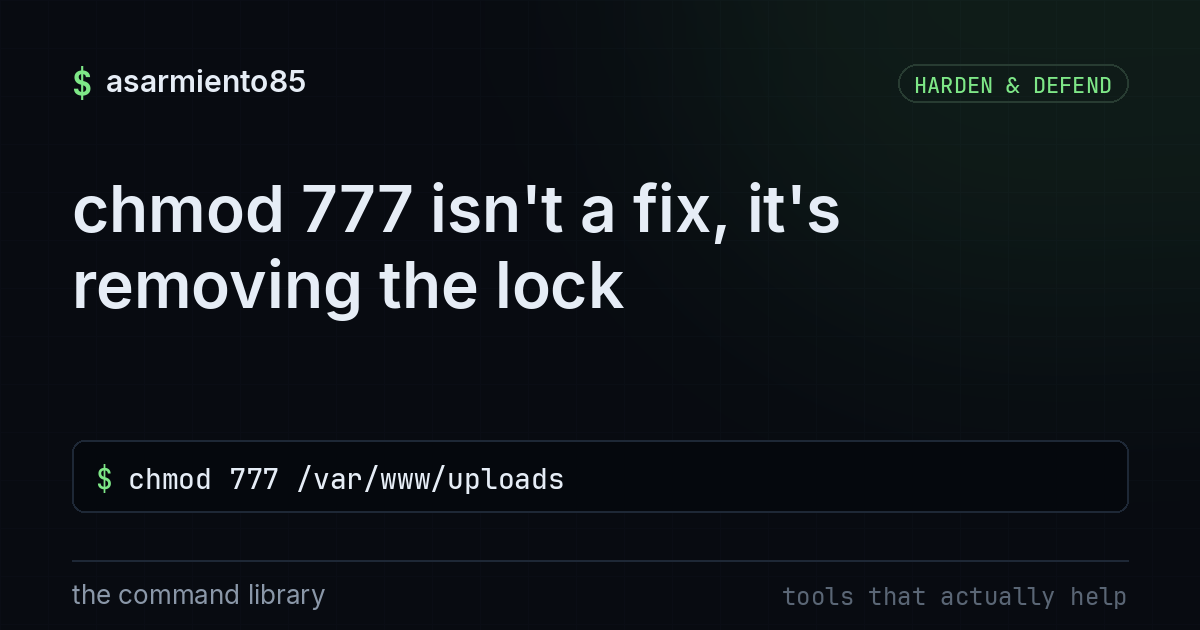
it grants full read write and execute permissions to every user and process on that directory.

installs crowdsec with a firewall bouncer to read logs, detect attacks, and share bans across the co

sets up a default deny nftables policy that only allows established sessions, loopback, ssh, and icm

this shows why docker's own iptables rules bypass ufw and how to fix it with the ufw-docker helper o
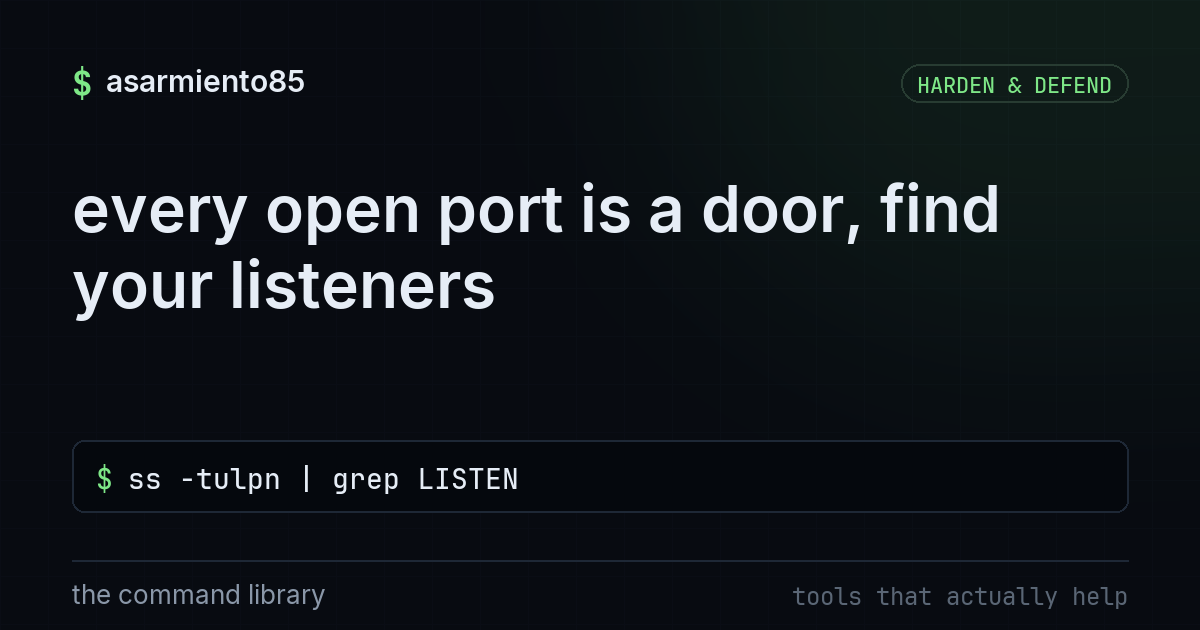
this command lists every process on your machine that is actively listening for network connections,

it walks through configuring ban time, retry limits, and whitelists so fail2ban blocks brute force a
this checks filevault, gatekeeper, firewall, and sip status, and turns the firewall on if it's off

lists five postgresql configuration changes, like binding to localhost and enforcing scram auth, tha

lists five nginx configuration changes, like enforcing modern tls and hiding server tokens, to harde

it lists automatic patching, a default deny firewall, audit logging, and fail2ban as a basic linux h

this walks through issuing a free certbot certificate, auto renewal, forcing https, hsts, and testin
this sends a push notification to your phone from any script or server using the free ntfy service
scans an ssh server and marks every algorithm as fail, warn, or good so you can see weak crypto at a
recursively scans the /home directory and only prints infected files, using clamav on a linux box

this covers running containers as a non-root user, dropping capabilities, read-only filesystems, and

walks through moving ssh off port 22, rate limiting, kernel sysctl hardening, crowdsec bans, and app
this sets ufw to block all incoming traffic by default, allows ssh access, then turns the firewall o
this checks which services are listening on the network and walks through five quick hardening steps
shows you which database ports like 6379, 27017, 5432, 3306, and 9200 are listening on 0.0.0.0 inste

runs lynis to audit a linux system and produce a hardening index with a ranked to-do list of fixes.
this command scans every port on your own machine and filters for anything running ssh, showing that
checks how many days a linux system allows before forcing a password change
this shows the most recent snapshot in your restic backup repository so you can confirm it actually
shows how to run Authelia in docker and force two factor auth across your whole domain via your reve

it explains how describing an attacker technique once in sigma and converting it to your siem's quer

puts nginx in front of apps to terminate tls, load balance, filter attacks with a waf, and add secur
this enables windows sandbox, a disposable, isolated desktop built into windows pro and enterprise f
this sets up a named admin user with pveadmin role, totp 2fa, lan or vpn only web ui access, and sch

A firewall sounds like a fortress.
this pulls the http response headers from a site and filters for server, x-powered-by, and cookie de

it shows how rkhunter baselines clean binaries and then flags hidden directories or modified system

describes limiting automatic updates to security patches only, excluding fragile packages, kernel li

Can a stranger send email that looks like it came from your domain?

One curl grades your website's security posture.
this spins up netdata in a container to show per-second cpu, disk, network, and process metrics with
this configures git to sign your commits using an ssh key instead of gpg, so github marks them as ve
this shows the raw nftables ruleset instead of relying on ufw's simplified frontend

signs a short lived ssh certificate so servers trust one CA instead of scattered keys.
this command drops you into a full root shell instead of running a single privileged command

it shows how logging process creation with sysmon and writing vendor neutral sigma rules lets one de

shows a small set of kernel parameters that block syn floods, icmp redirect mitm, and expose less ke

lists the checklist for building a hardened bastion host with keys only, proxyjump, session logging,
this checks whether 2fa is enabled on your github account and lists the baseline steps to lock down
this checks disk encryption with lsblk, turns on the firewall, enables auto screen lock, and patches
this walks through closing FTP, killing vendor remote-access relays and UPnP, disabling default admi

this uses log grepping and shodan data to show how many bots hit exposed ssh servers and why keys be

this lays out five sshd config lines, keys only, no root login, allowed users, that stop brute force
this checks for tampered core files, lists outdated plugins, finds unknown admins, locks the dashboa

explains how spf, dkim and dmarc records together stop attackers from spoofing your domain in email.
this shows how to run Uptime Kuma in Docker to monitor ping, HTTP, ports, and TLS expiry, then push

explains splitting users, servers, iot, and guests into separate vlans with acl controlled routing s
this shows which accounts have admin rights on a windows pc, then helps you trim unused ones and rem

this explains how to check what is listening on ipv6 and mirror your ipv4 firewall policy with ip6ta

configures radius, aaa, and dot1x on a cisco switch so ise enforces identity on each port with mab a

walks through the 802.1x nac flow where the switch just enforces while ise makes the actual access v

explains how cisco asa interface trust levels from 0 to 100 decide which traffic flows freely and wh

breaks down asa interface configuration with nameif, security level, ip, nat, and a default route to

compares asa's classic vpn focused firewall os to ftd's snort 3 based ngfw and explains why new depl

shows how mismatched native vlans between trunk ends leak untagged frames and open vlan hopping atta

walks through configuring ssh on a cisco device with rsa keys, local users, and vty restrictions ins

it shows how zones, class maps, and policy maps let ios routers statefully inspect and filter traffi
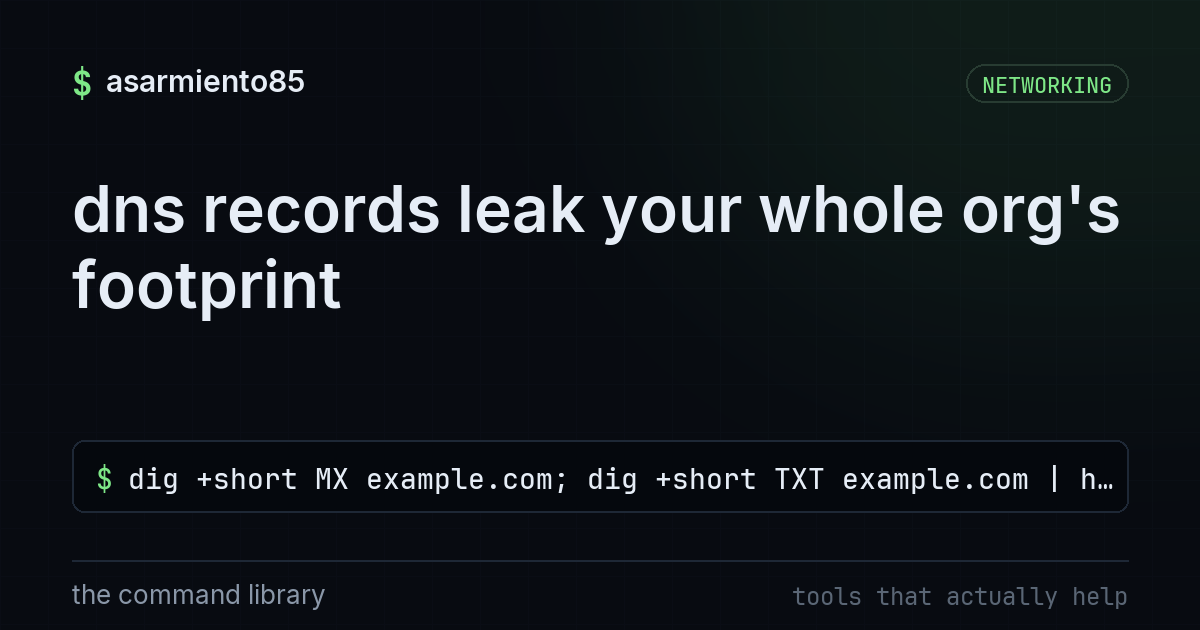
this pulls a domain's mail server and text records straight from public dns.

walks through configuring an external bgp neighbor and confirming the session is up by checking rece

bundles multiple switch links into one port channel using lacp for more bandwidth and failover resil
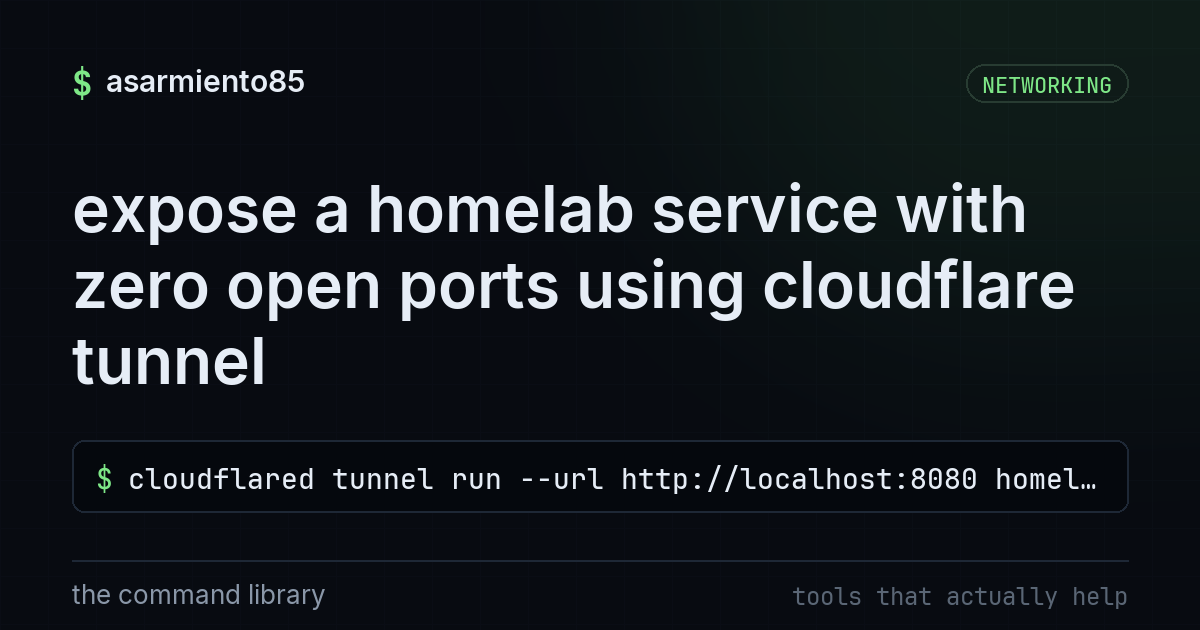
this creates an outbound-only tunnel that publishes a local service to a domain without opening any

walks through interface status, vlan membership, mac table, trunk allowed vlans, and routing to trou

explains how hsrp lets two routers share a virtual gateway ip so hosts never notice a router failure

explains how hsrp priority, preempt, and interface tracking let a standby router silently take over

walks through building an ikev2 lan to lan vpn on cisco asa with strong crypto instead of legacy ike

this covers how per-vlan svis let a layer 3 switch route between subnets in hardware, replacing rout

explains how IOS-XE modernizes Cisco devices with isolated Linux processes, install versus bundle mo

Your guest wifi is only isolated if it's actually configured to be.

walks through configuring port security, dhcp snooping, and dynamic arp inspection to stop layer 2 a

shows how port security, dhcp snooping, and dynamic arp inspection lock down layer 2 switchports.

shows how a layer 3 switch uses svis and ip routing to route between vlans at line rate instead of r

it configures a switch port to learn one sticky mac address and shut down if any other device connec

it shows how pat maps an entire private network onto one public ip using port numbers.

configures nat overload so many private lan addresses share one public ip via port multiplexing
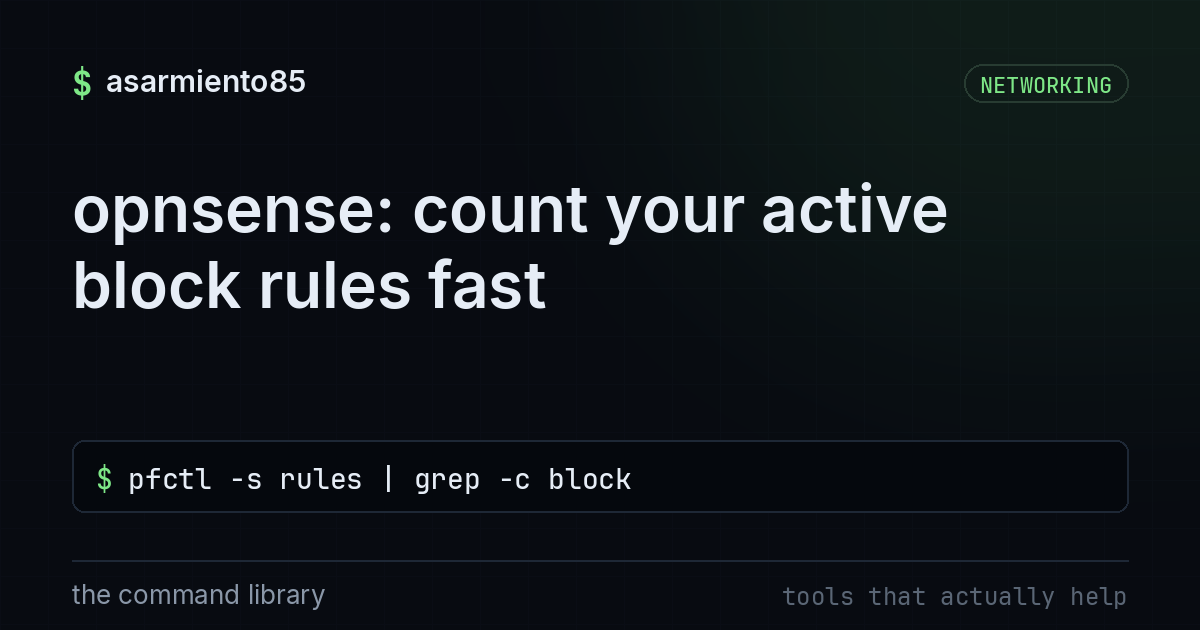
this command lists the firewall's active pf rules and counts how many are set to block traffic.

it explains how ospf uses area 0 as the backbone and abrs to summarize routes so big networks conver

sets up ospf with a router id, area assignments, passive interfaces, and checks neighbor state to ve

configures an asa to use ise for radius authentication with change of authorization and shows testin

configures ssh access on a router and disables telnet so router management traffic is encrypted inst

DNS is a phonebook that turns names into addresses.

HTTPS feels like magic, but you can watch the whole thing.

Every name lookup on the internet ultimately starts in one place: the DNS root.

Every network device has a MAC address, and the first half of it isn't random, it's the OUI, a regis
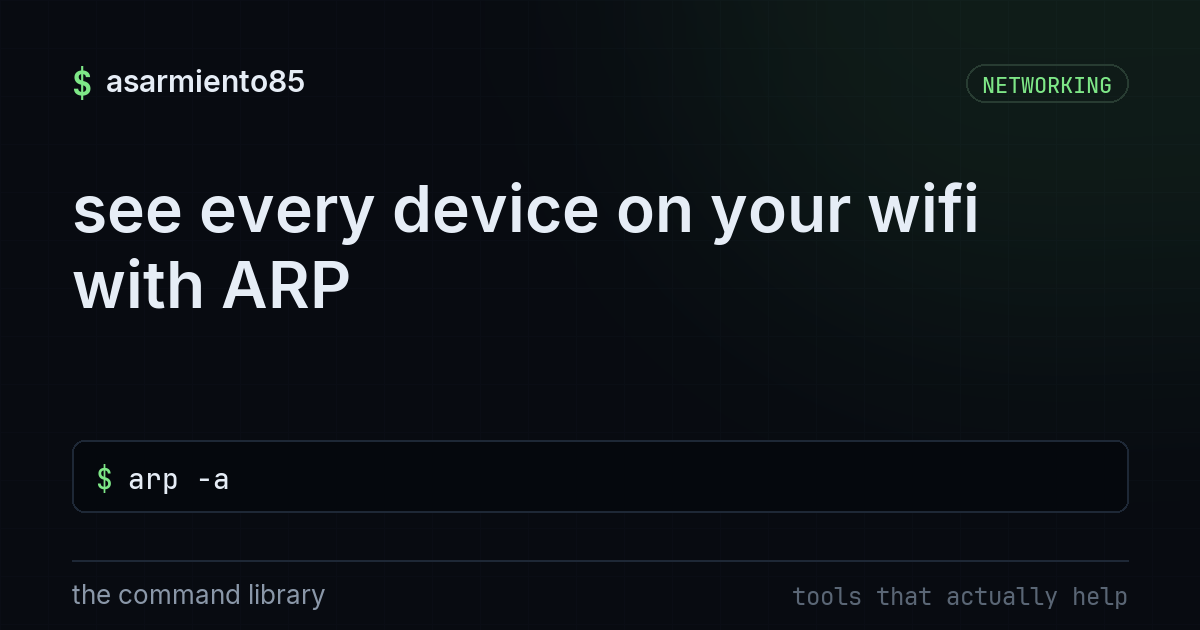
lists the devices your machine has talked to on the local network along with their IP and MAC addres

it explains how IKE phase 1 and phase 2 with ESP link two private LANs over the internet as one netw

shows how tailscale authenticates in the browser and builds a private wireguard mesh with peer to pe

this lists six ios config steps, real credentials, ssh only, aaa, login throttling, and encrypted pa

explains how a firewall separates internet, dmz, and inside zones so a compromised public server sta

it lists the CCNA level starting configuration for a switch including hostname, vlans, trunking, and

this explains how a switch with a higher vtp revision number can silently overwrite everyone's vlans

it shows how portfast, bpduguard, and root guard close off common layer 2 attack paths on switches.
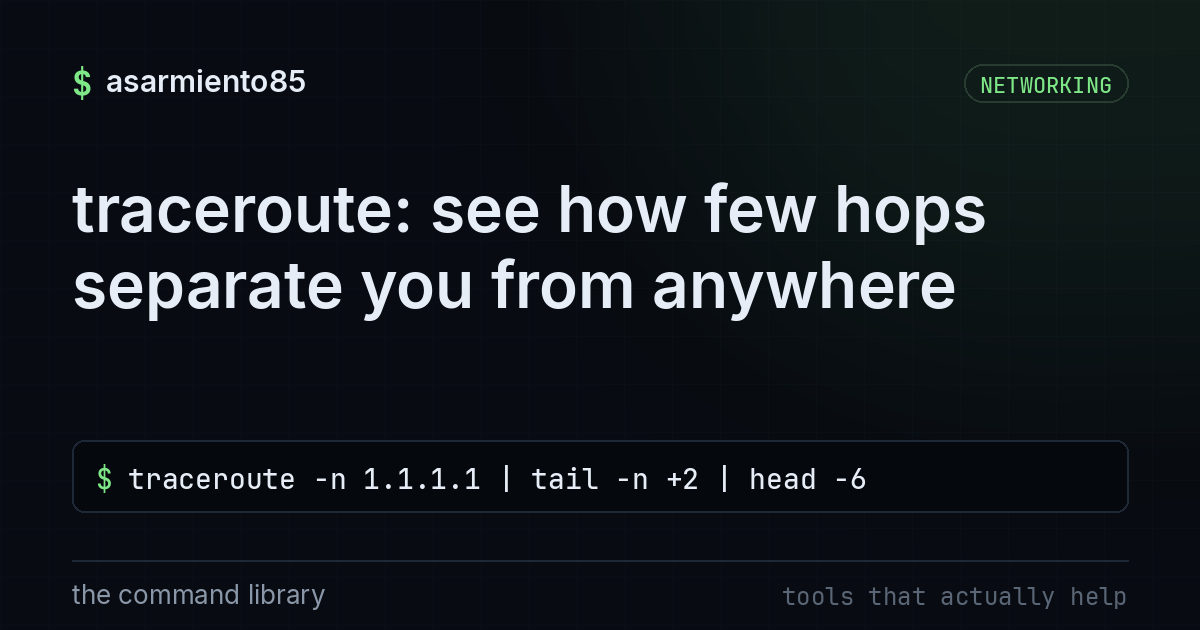
this prints the first few network hops your traffic takes on its way to 1.1.1.1, skipping the header

explains how dhcp snooping and dynamic arp inspection stop rogue dhcp servers and arp spoofing on a

reveals that most browsers have quietly switched to hybrid ml-kem post quantum encryption ahead of l

shows how access ports carry one untagged vlan while trunk ports carry many vlans tagged with 802.1q

demonstrates how a vrf lets one physical router keep separate routing tables so segments can't reach

walks through building a wireguard vpn tunnel from generating keys to confirming the handshake

Reach every device in your house from anywhere in the world, with no port forwarding and no static I

it lists enabling cloudtrail, blocking public s3, requiring mfa, using roles instead of long lived k
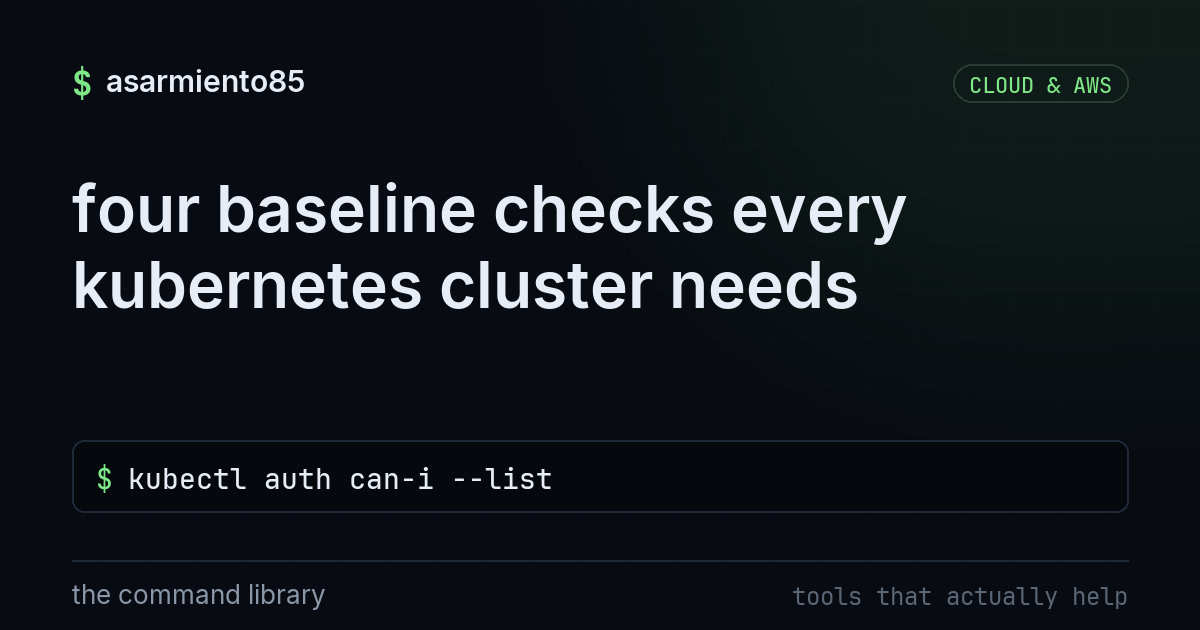
this checks what the default service account can do, counts privileged pods, enforces restricted pod

explains how to scope aws cloudtrail data event logging to avoid huge per-event billing while keepin

it shows using Steampipe to query aws resources like s3 buckets and iam with sql instead of the cons

A container is not a tiny virtual machine.

compares aws's three layered network controls, stateful security groups, stateless nacls, and vpc-wi

it lists how to spot ai written phishing by checking sender domains, hovering links, and verifying u

discusses how ai speeds up soc response times and reshapes the tier 1 analyst role and siem market.

uses an llm to rank subdomains, explain scanner output, and chain into tools like nmap for faster re

this explains how voice cloning from seconds of audio enables fraud and why a verification code word

shows a visual node editor for building and sharing stable diffusion pipelines that run locally on y

lists five baseline controls for locking down ai and llm powered applications.

recaps black hat and def con 2026, showing how an ai agent got hijacked through observability logs i

explains how attackers hijack llm apps by slipping rogue instructions into user input to leak secret

uses a local llm through ollama to summarize and flag suspicious log lines without the data leaving

explains pointing ai automation at internal back office tasks like ticket summaries, pdf extraction,

shows how to run open source llms on your own hardware with ollama so sensitive data never leaves yo