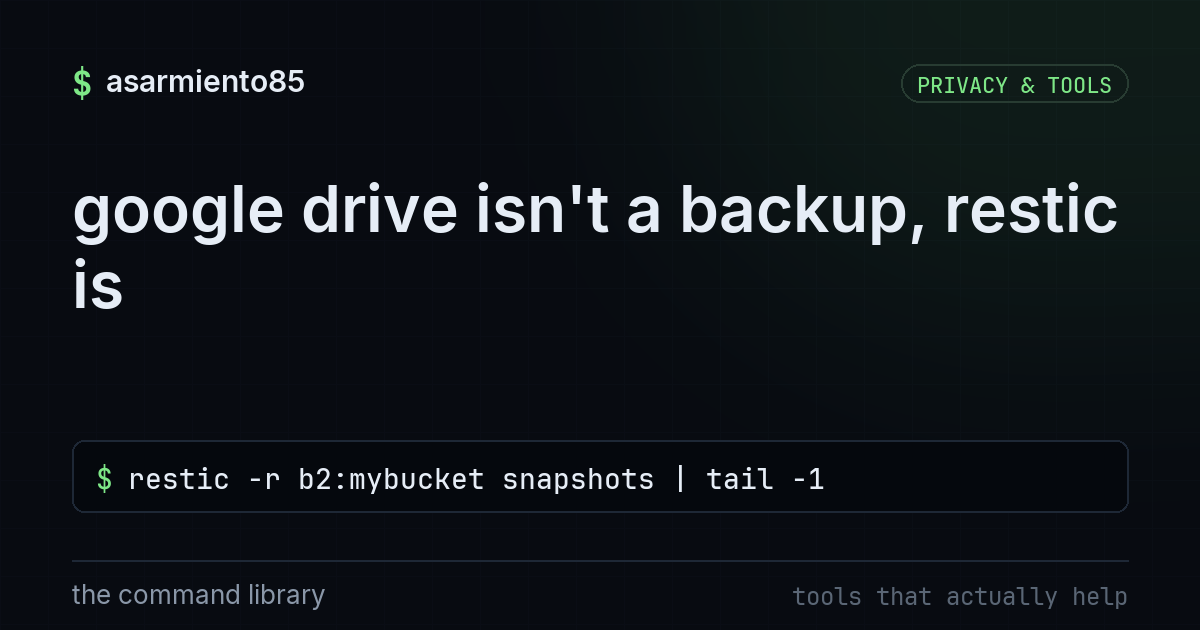
google drive isn't a backup, restic is
restic -r b2:mybucket snapshots | tail -1google drive isn't a backup, restic is
i say this in every comment section and i'll say it again here: syncing your files to google drive, dropbox, or icloud is not a backup. it's convenience storage. it's great for "i need this file on my phone too." it is not great for "ransomware just encrypted everything and google drive dutifully synced the encrypted garbage to the cloud too." same goes for "i fat-fingered rm -rf on the wrong folder" because sync tools are very fast and very loyal, they'll propagate your mistake before you finish panicking.
a real backup is versioned, deduplicated, encrypted, and stored somewhere your daily driver mistakes can't reach it. that's what restic does. let's break down the command and then talk about how to actually set this up for yourself.
breaking down the command
the command from the reel:
restic -r b2:mybucket snapshots | tail -1restic is the backup tool itself, open source, written in go, works on linux/mac/windows.
-r b2:mybucket tells restic where the repository lives. the "b2:" prefix means backblaze b2 cloud storage, "mybucket" is the bucket name. restic also supports s3, sftp, local drives, rest servers, and a bunch of other backends, you're not locked into one provider.
snapshots is the subcommand that lists every backup snapshot restic has ever taken in that repository, with timestamps, hostnames, and the paths that were backed up.
| tail -1 pipes that output through tail and only shows the last line, meaning the most recent snapshot. useful for a quick sanity check: "did last night's backup actually run?"
that's it. one line, and you know whether your backup job succeeded or silently died three days ago while you were busy trusting a sync icon.
why sync is not backup
sync tools mirror changes in near real time. that's the entire point of them, and it's also exactly why they fail as backups. if malware encrypts your documents folder, dropbox and drive will happily upload the encrypted versions. some services keep limited version history for a set number of days, but that window is not designed for disaster recovery, it's designed for "oops i overwrote a paragraph." it's not designed to survive a slow-burn compromise you don't notice for two weeks.
a real backup tool takes a point-in-time snapshot, keeps it separate from your live filesystem, and lets you go back to any of those points, not just the last few days of a sync log.
what restic actually gives you
encryption happens client side before anything leaves your machine, so whoever hosts your backend (backblaze, s3, whoever) never sees your plaintext data, they just store encrypted blobs. restic also deduplicates at the block level, so repeated backups of mostly-unchanged data don't balloon your storage costs. and snapshots are immutable once written, you can prune old ones on a schedule, but nothing silently overwrites a snapshot the way a sync client overwrites a file.
setting it up for yourself
initialize a repo once:
restic -r b2:mybucket initrun a backup:
restic -r b2:mybucket backup /home/yourname/documentscheck it worked, same command as the reel:
restic -r b2:mybucket snapshots | tail -1and when you actually need to restore something:
restic -r b2:mybucket restore latest --target /tmp/restoreput the backup command in a cron job or a systemd timer so it runs nightly without you remembering to click anything. that's the whole point, backups that depend on your memory are not backups either.
the takeaway
sync is for convenience, backup is for disaster. keep using google drive to move a file to your phone, that's fine. just don't confuse it with an actual recovery plan. set up restic, or borg, or whatever versioned encrypted tool fits your setup, point it at storage that isn't automatically mirroring your mistakes, and run that one-line snapshot check regularly so you know your backups are actually happening and not just quietly failing in the background. the best time to test a backup is before you need it, not during the ransomware note.