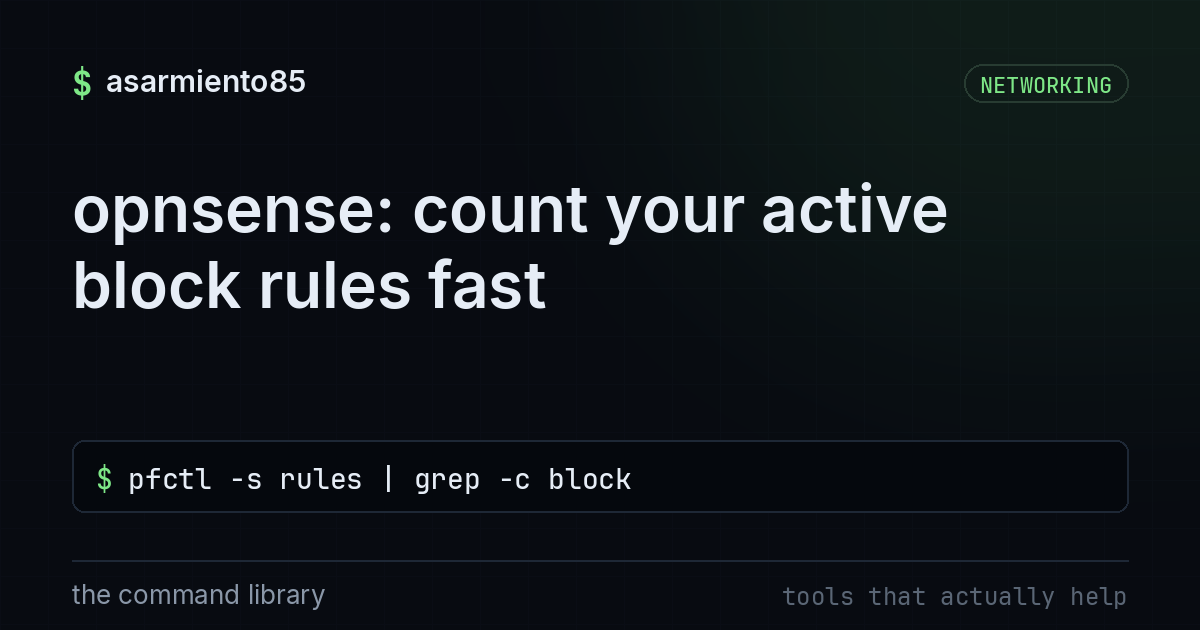
opnsense: count your active block rules fast
pfctl -s rules | grep -c blockwhy counting your block rules actually matters
opnsense gets praised as a "serious firewall" a lot, and it deserves it, but a serious firewall with a messy ruleset is just a fancy router with anxiety. most people set it up once, feel good about themselves, and never look at the rule count again. that's how you end up with 40 rules where 12 of them contradict each other and nobody blocks what they think is blocked.
this one command gives you a fast gut check on your firewall's actual behavior instead of what you assume it's doing.
pfctl -s rules | grep -c blockbreaking the command down
pfctl is the command line tool for talking to pf, the packet filter engine that opnsense (and freebsd, and pfsense) runs under the hood. the web ui is just a pretty layer on top of pf doing the real work.
-s rules tells pfctl to show the current active ruleset, meaning the rules pf is actually enforcing right now, not what's saved in a config file waiting to be applied. this distinction matters more than people think. you can edit rules in the ui, forget to apply, and think you're protected when you're not.
grep -c block filters that output down to lines containing the word "block" and counts them instead of printing them all. quick number, no scrolling through a wall of rule syntax.
put it together and you get one number: how many active rules are set to block traffic. it's not a full audit, but it's a fast sanity check you can run anytime.
what a weird number is telling you
if that number is way lower than you expect, you might have rules that got removed, disabled, or never applied. if it's way higher than you expect, you might have duplicate or leftover rules from testing that never got cleaned up.
either way, the fix isn't staring at the count, it's going back into the ui and reading the actual rules with pfctl -s rules (without the grep) so you can see what's blocking, what's passing, and in what order. pf reads rules top to bottom and the last matching rule usually wins, so order is not cosmetic, it's the whole game.
the toggles that actually matter
opnsense has a lot of knobs, but a small handful do most of the heavy lifting for a home or small business setup:
default deny should be your baseline on every interface, especially wan. traffic should be blocked unless you explicitly allowed it, not the other way around.
logging on block rules lets you actually see what's getting stopped. a block rule with no logging is a rule you're trusting blindly.
floating rules apply across multiple interfaces and are easy to forget about since they don't live under a single interface tab. these are a common source of "why is this being blocked" confusion.
rule order again, because it's worth repeating. a permissive rule sitting above a block rule for the same traffic will win every time.
how to actually use this on your own network
run the count command every so often, especially after you make changes to your ruleset. treat a sudden change in the number as a flag to go look, not ignore.
then follow up with the full rule dump and actually read it:
pfctl -s rulescheck that your wan interface defaults to block, that your lan/iot/guest networks aren't accidentally allowed to talk to each other, and that anything you opened for a specific service (plex, a game server, remote access) is scoped tight instead of wide open to any source.
if you're running iot devices or a homelab, segment them onto their own vlan and set explicit block rules between that segment and your main network. don't rely on "it's probably fine."
the takeaway
a firewall is only as good as the ruleset actually running on it, not the one you think you configured. pfctl -s rules | grep -c block is a two second gut check, but the real defense is making a habit of reading your rules, checking your order, and confirming default deny is doing its job. opnsense gives you the tools, the discipline is on you.