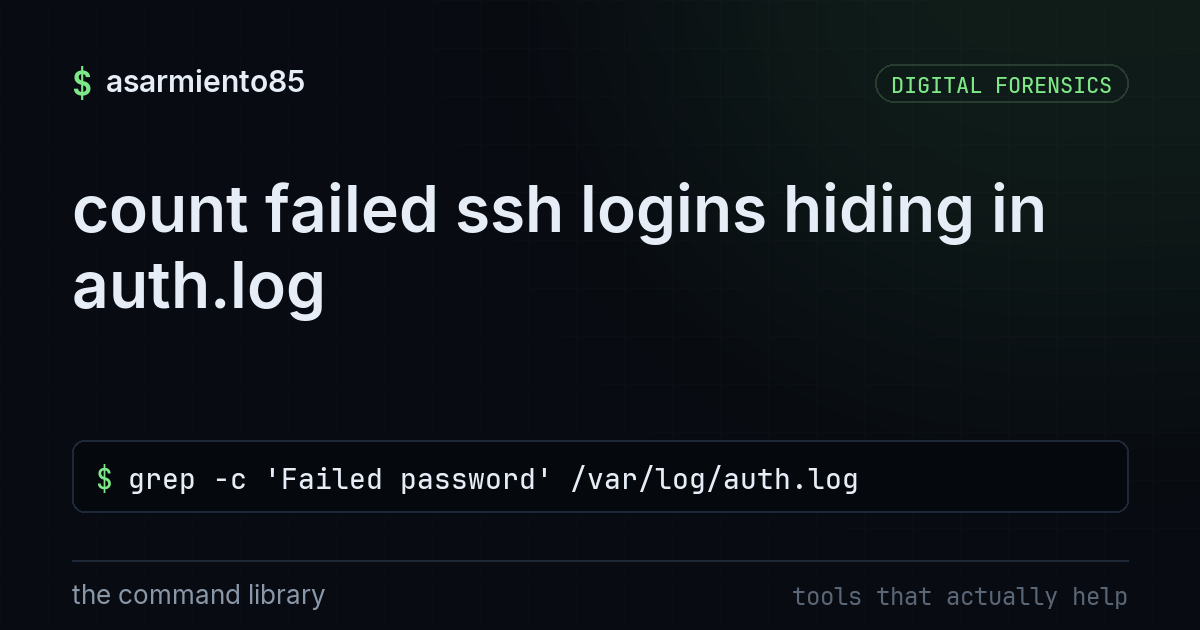
count failed ssh logins hiding in auth.log
grep -c 'Failed password' /var/log/auth.logyour linux box is basically a nosy neighbor with a notebook
every time something tries to ssh into your machine, or someone runs sudo, linux writes it down. no exceptions, no opt out. that notebook is /var/log/auth.log on debian and ubuntu systems (rhel and centos keep something similar in /var/log/secure). most people never open it until something's already gone wrong, which is backwards. this file is one of the easiest wins in defensive security because it's free, it's already running, and it's usually just sitting there ignored.
the command
grep -c 'Failed password' /var/log/auth.loglet's break this down piece by piece so it's not just magic you copy and paste.
grep searches through text for a pattern you give it. think of it as ctrl+f for your terminal.
-c tells grep to just give you a count instead of printing every matching line. if you dropped the -c you'd get a wall of text, one line per failed attempt, which gets unreadable fast on a box that's getting hammered.
'Failed password' is the exact phrase linux writes into the log every time an ssh login attempt fails because of a bad password. it's case sensitive and it's the literal string the auth system logs, so this is the phrase to search for.
/var/log/auth.log is the file path being searched. this is the log itself, the notebook we talked about.
so the whole thing says: go into this log file, find every line that says "Failed password," and just tell me how many there are. run it and you'll get a single number back. if that number is 4, fine, somebody probably fat fingered their password. if that number is 40,000, you've got a problem you didn't know about.
why this actually matters
ssh is exposed to the internet on a lot of servers, and bots scan the entire ipv4 range constantly looking for open port 22. they don't care who you are, they just try common usernames and passwords over and over hoping something sticks. this is called brute forcing, and it happens to basically every internet facing linux box whether you notice or not. the count from that grep command is your first signal of how much of this noise is hitting you.
going one level deeper
the count is a good gut check but it doesn't tell you the whole story. once you know something's off, pull the actual lines and look at who's attempting to log in and how often.
grep 'Failed password' /var/log/auth.log | awk '{print $11}' | sort | uniq -c | sort -nrthis grabs the failed attempts, pulls out the source ip from each line, counts how many times each ip shows up, and sorts it so the worst offenders are at the top. if one ip has 12,000 attempts and everything else has single digits, that's your problem child.
what to actually do about it
seeing the number is step one, fixing your exposure is step two.
if you're allowing password logins over ssh at all, stop. switch to key based authentication and disable password login entirely in /etc/ssh/sshd_config by setting PasswordAuthentication no. bots can guess passwords forever, they can't brute force a properly generated ssh key.
install fail2ban. it watches auth.log in real time and automatically bans ip addresses after a set number of failed attempts. it's lightweight, it's been around forever, and it turns this whole manual grep process into something that happens automatically in the background.
move ssh off port 22 if you can. this doesn't stop a targeted attacker but it kills off the vast majority of dumb automated scanning that only checks default ports.
if you've got the ip range for it, restrict ssh access to a vpn or a specific allowlist of ips instead of leaving it open to the entire internet.
the takeaway
your logs are already telling you what's happening to your systems, you just have to ask. one grep command gives you a baseline for how much attention your box is getting from bots and bad actors, and from there you can decide what to lock down. run it today, see your number, then go turn off password auth and set up fail2ban so you're not the one manually counting failed logins next month.