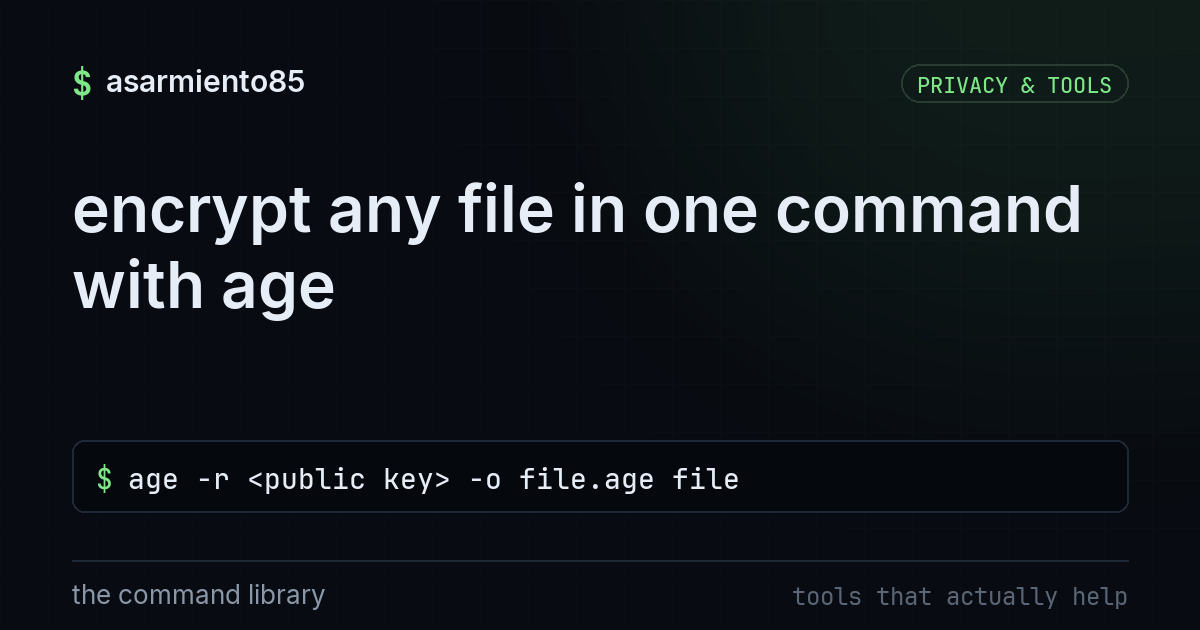
encrypt any file in one command with age
age -r <public key> -o file.age filewhy your tax pdf shouldn't just live in your inbox
every year someone emails a tax return, a passport scan, or a spreadsheet full of social security numbers as a plain attachment and just hopes for the best. email is not encrypted end to end by default. it sits on mail servers, gets backed up, gets scanned by various services, and if your account or theirs ever gets compromised, those files are sitting right there in plain text. age fixes this with almost no effort, and it works the same on mac, linux, and windows, which is rare for a security tool.
what age actually is
age (pronounced "ah-gay") is a modern file encryption tool built to replace the clunky, confusing parts of pgp. no keyrings, no trust webs, no 40 minute setup. you either use a simple public/private keypair or just a passphrase, and the whole workflow fits in four commands. it's small, open source, and actively maintained, which matters because abandoned crypto tools are how people end up trusting software nobody is checking anymore.
step 1: make a key once
age-keygen -o key.txtthis generates a keypair and saves it to key.txt. that file contains both your private key and your public key, printed together. think of the public key like a mailbox slot: anyone can drop something in, but only you can open the box. the private key is the box's actual key, so treat key.txt like a password. don't email it, don't dropbox it, don't paste it into a slack channel "just for now." store it somewhere offline or in a password manager that supports secure notes.
step 2: encrypt the file
age -r <public key> -o file.age filebreaking this down: -r means "recipient," followed by the public key of whoever should be able to open the file. -o file.age names the encrypted output. the last part is the actual file you're protecting. once this runs, file.age is unreadable garbage to anyone without the matching private key. that's the file you attach to the email, upload, or hand off on a usb drive. the original can be deleted or kept locally, your call.
step 3: decrypt it on the other end
age -d -i key.txt -o file file.age-d tells age to decrypt, -i points to the identity file (your private key), and the output flag writes the original file back out. only someone holding key.txt, or whoever generated that keypair, can run this successfully. if someone intercepts file.age in transit, it's useless to them without the key.
step 4: no keypair? use a passphrase instead
age -p -o file.age filethis skips keys entirely and just asks you to set a passphrase on the spot. it's the fastest option for a one-off send, like encrypting a file for your accountant who isn't going to generate a keypair for one exchange. the catch: you need to send that passphrase through a different channel than the file itself. text it, call it in, use a password manager's share feature. if the passphrase travels with the file in the same email, you've just encrypted something and then handed over the key in the same envelope, which defeats the point.
the takeaway
the real defensive habit here isn't memorizing four commands, it's building the reflex to ask "does this file need to leave my machine unprotected?" before you hit send. tax documents, medical records, legal paperwork, source code with api keys in it, all of it is safer encrypted at rest and in transit. age costs you thirty seconds per file and removes an entire category of exposure if an inbox, a cloud drive, or a shared folder gets breached down the line. install it, make one keypair, and use it as your default for anything sensitive. future you, and whoever you're emailing, will be glad it's just unreadable noise to anyone who isn't supposed to see it.